
Code Editor
by pumi-dev
A native code editor for file tabs, written in TSX: CodeMirror's state, parsers and commands, drawn by pumi's renderer with no web page.
What it adds
- Commands
saveCode Editor: save the fileopenCode Editor: open a file- Adds to
tab.toolbar,tab.new- Settings
- 3
- Key bindings
- 1
README
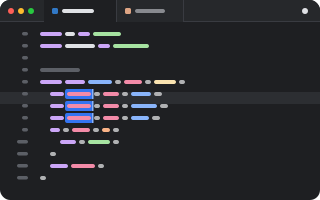
A code editor for file tabs, drawn by pumi itself, with no web page. The text, undo, syntax trees and indentation are CodeMirror 6's.
pumi plugin add pumi-dev/plugins/code-editorIt needs pumi 0.44 or later.
- Languages: highlighting and indentation for JavaScript and TypeScript (JSX), JSON, Rust, Python, Go, C and C++, Java, CSS, HTML, Markdown and YAML, in the terminal's colours. Any other text file opens as plain text.
- Carets: several at once (
⌥-click,⌥⌘↑/⌥⌘↓,⌘D), drag to select (double-click for words, triple for lines), word, line and document moves. - Editing: matching brackets, brackets that close themselves, comments (
⌘/), moving and copying lines (⌥↑/⌥↓,⇧⌥↑/⇧⌥↓), undo and redo. - Typing: dead keys, press-and-hold accents, input methods (Japanese, Chinese, Korean), the emoji picker and dictation, as in any Mac app.
- Opening: File… in a pane's
+menu (and the list a split opens with) picks a file and opens it in a tab there. The palette has it as Code Editor: open a file. - Saving:
⌘S, or the dot in the tab's toolbar while the file has unsaved changes. The palette has it as Code Editor: save the file.
Big files stay fast: only the lines in view are drawn, and a line draws again only when its text or colours change.
Options
tab_size | columns a tab takes, and the indent for a file that has none yet |
insert_spaces | indent with spaces rather than a tab, for a file that has no indentation yet |
A file's own indentation wins over both.
Development
pumi plugin dev code-editor   # link it, reload on save
bun test                      # editing, layout and highlighting